Review requests
More Google reviews, without remembering to ask
Mark the job done and, two hours later, the customer gets a text with a link straight to your Google listing. Then your reviews work for you on every quote and on your website.
Included in Business 14 days of Business free on every new shop, no card.
Asked at the right moment
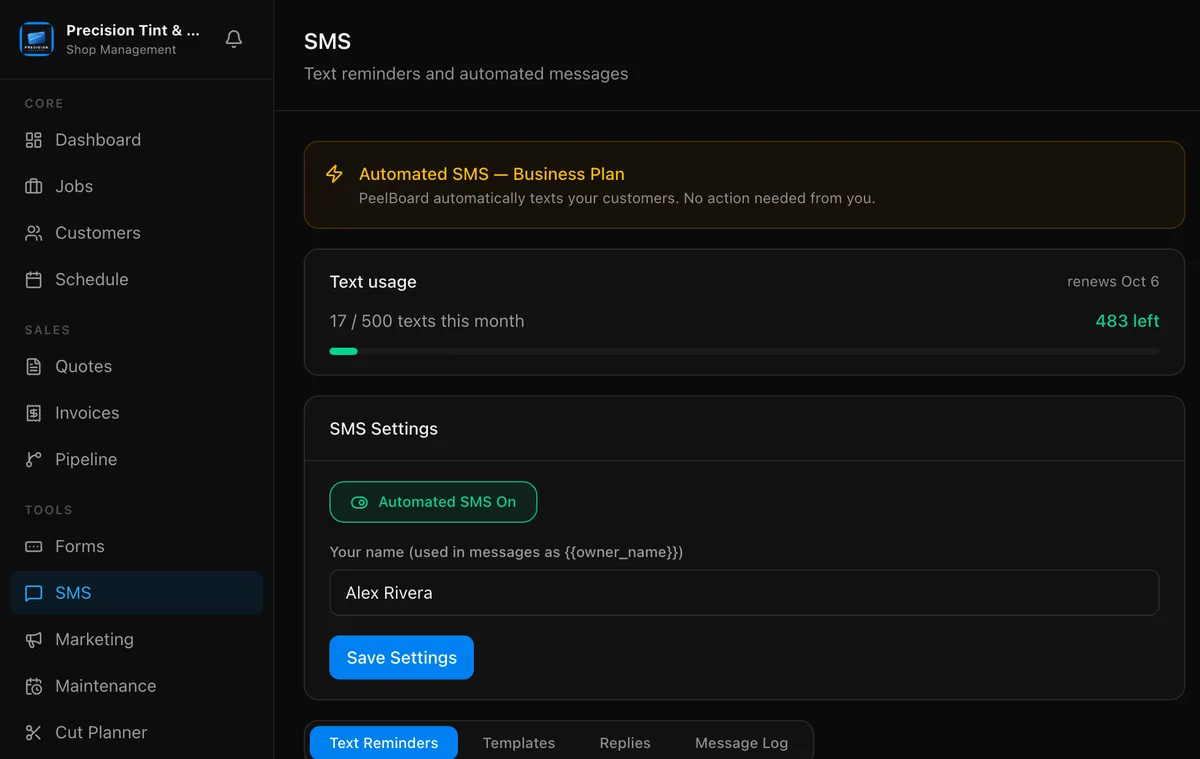
The review text goes out two hours after you finish the job, while the car still looks perfect. Change the wording or the timing in Settings.
One tap to your Google listing
Connect your Google listing once and the link in the text goes straight to the review box. No searching for your shop name.
Reviews that sell the next job
PeelBoard pulls your Google reviews in every night and puts them on your quotes and your website. Sign in with your Google Business Profile and it can show all of them, not just the latest five.
Everybody gets asked
PeelBoard does not hide the request from anyone or filter out bad reviews. Every finished customer gets the same ask, the way Google expects it.
What you get
- Review request text two hours after the job
- Straight link to your Google review box
- Reviews synced every night
- Reviews on your quotes and website
- Your wording and timing
- Spanish version for Spanish customers
Included in Business See pricing
Questions shops ask
When does the review request go out?
Two hours after you mark the job complete, by default. You can change the timing and the wording.
Does it only ask happy customers?
No. Every finished customer gets the same request. Filtering out unhappy customers goes against Google's rules.
Where do my reviews show up?
On your quotes and on your PeelBoard website, refreshed every night.
Which plan includes automatic review requests?
Automatic review requests is part of the Business plan, $99 a month. Every new shop gets 14 days of Business free, no card needed.
Start collecting reviews this week
Every new shop gets 14 days of Business with everything unlocked, and no card. When it ends you drop to Free and keep your data.
Start free